Published in Bootcamp ·

Making Figma Components Smart: Why Design Systems Need a "Logic Layer"

In short

Jinson Johny argues that Figma design systems become hard to maintain as components grow complex and project-specific, and that components need a logic layer like Framer's early code components. He introduces Blocks, a weekend proof of concept that gives Figma components JavaScript-scripted logic and stored data, so AI can follow the system's rules instead of guessing.

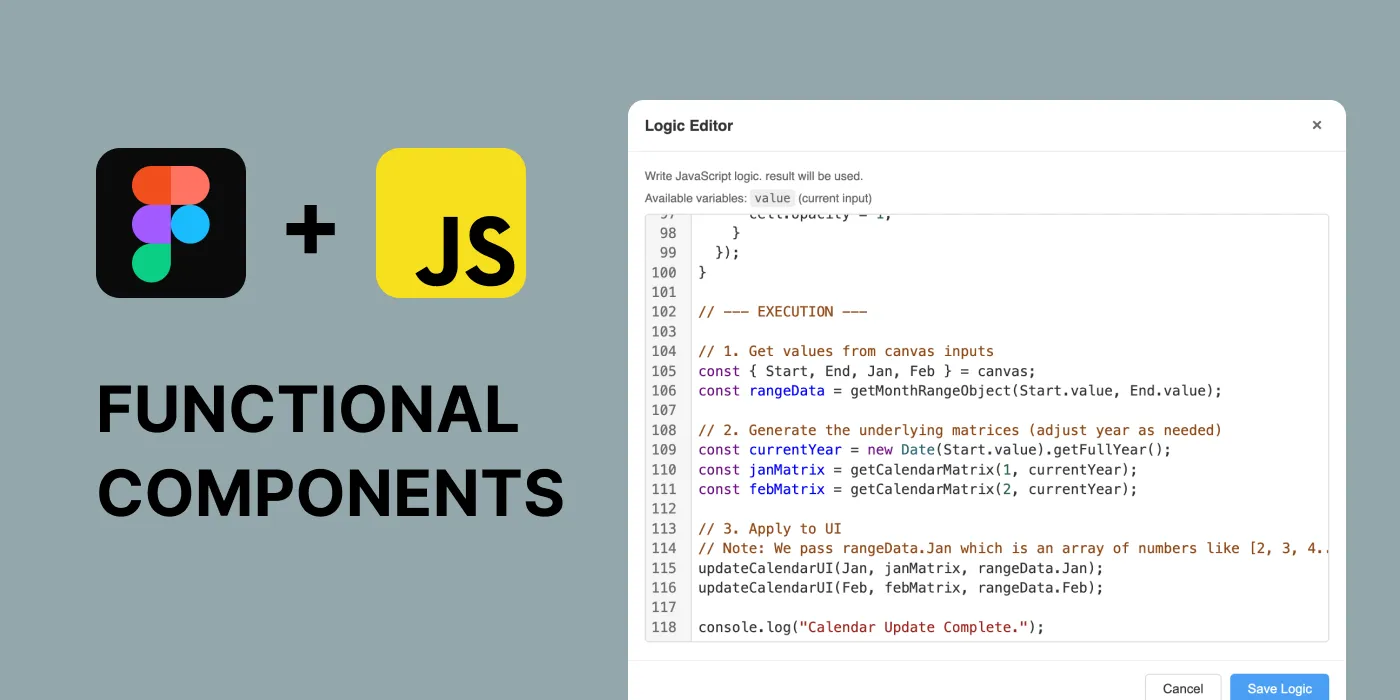
The Figma and JavaScript logos above the words “Functional components”, beside Block's logic editor showing calendar code.
Cover image from the original on Bootcamp

Key takeaways

  1. Maintenance is the hard part. Building the first components is easy; complex, project-specific components can need a full onboarding session just to use.
  2. Data inside the system. Figma text properties are limited, so data hangs on top of pixels; a hidden Block layer keeps it intact across variants and restructuring.
  3. Plain JavaScript logic. The scripting engine exposes the canvas and component properties as a standard JavaScript object, so logic reads like a React component or node script.
  4. AI follows the rules. Because data connects to properties through logic, AI can follow the design system's rules, and he envisions agents writing that logic from plain-English descriptions.

From the article
An input component triggers its error variant through validation logic, with no manual design updates.
A shopping cart where the items, discount and total are logically connected.
Date-range selection: instead of updating individual cell variants, the range is calculated from two dates.
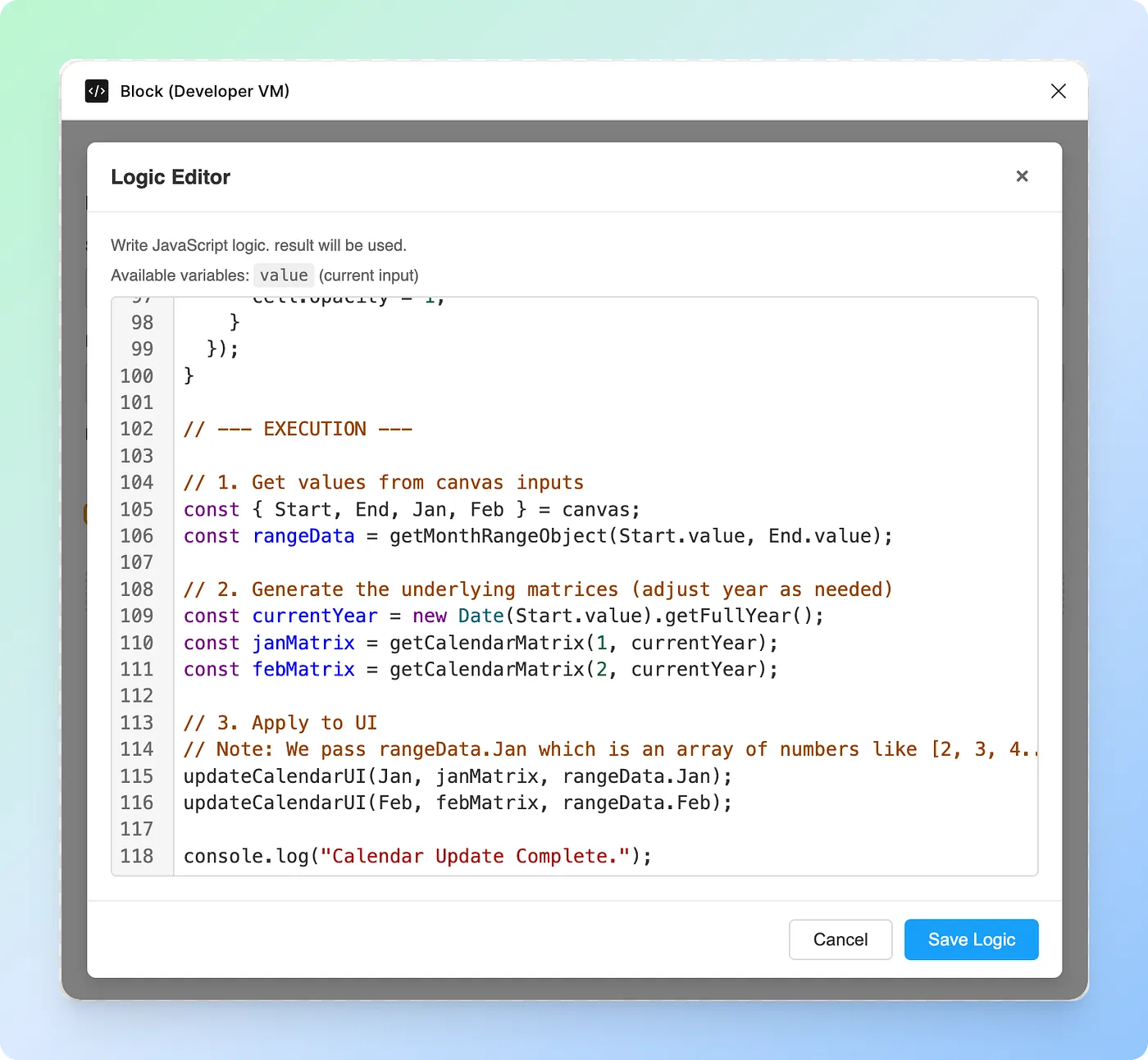
The Block script editor, where logic and design come together.

This is a summary. The full article lives on Bootcamp, where it was first published.

Read the full article on Bootcamp